
Direct the film. Claude edits it.
vidmini is a video editor for Mac. Claude Code sits next to your timeline: describe the edit, and it happens on your film.
For Macs with Apple silicon, running macOS 26 or later.
How "48 hours offline" was edited
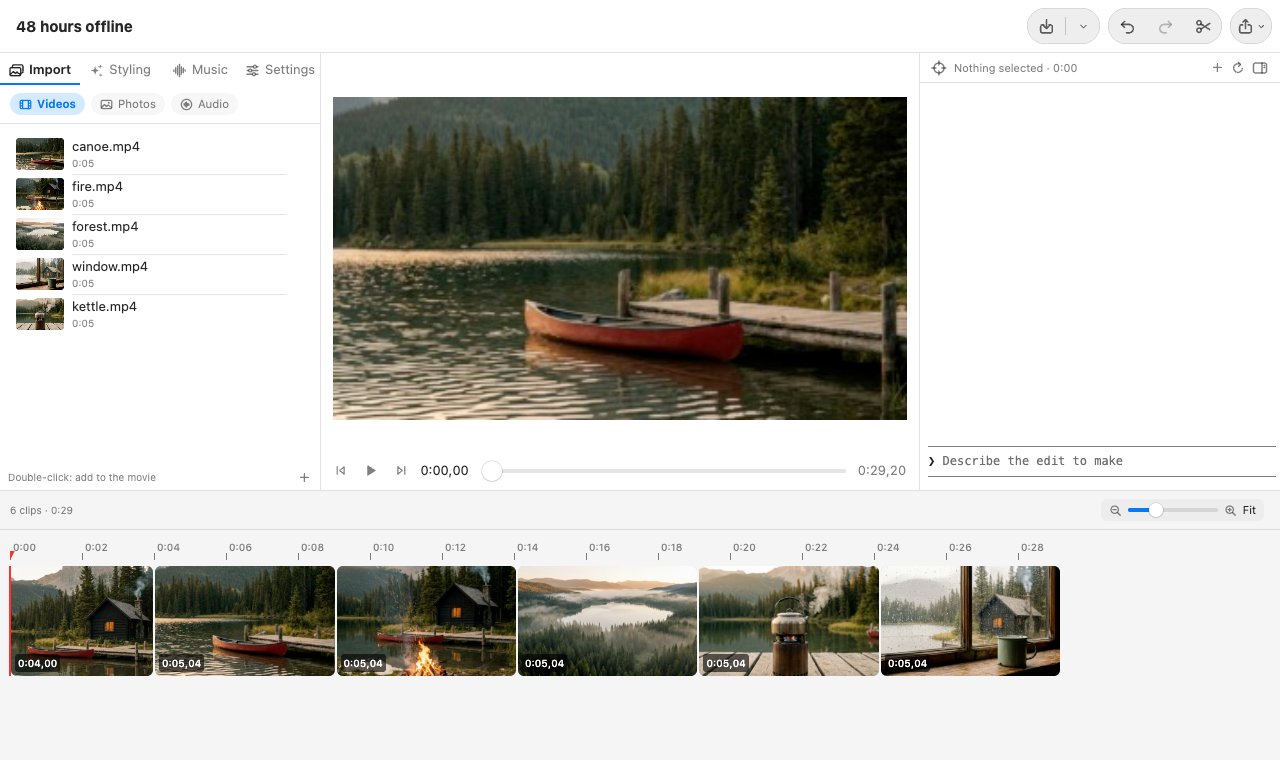
Bring the clips
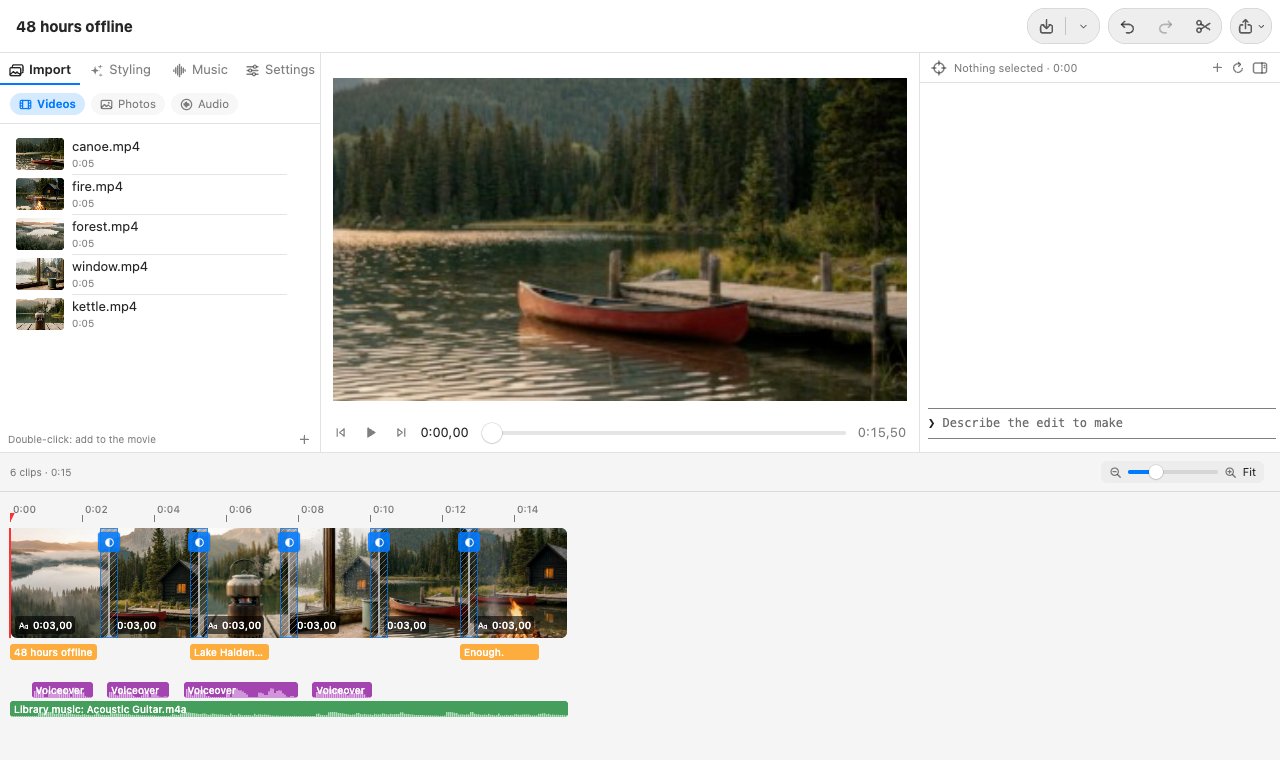
This film starts with five clips and a photo, imported into vidmini. MP4, MOV and the other formats macOS reads are accepted.
Cut with one request
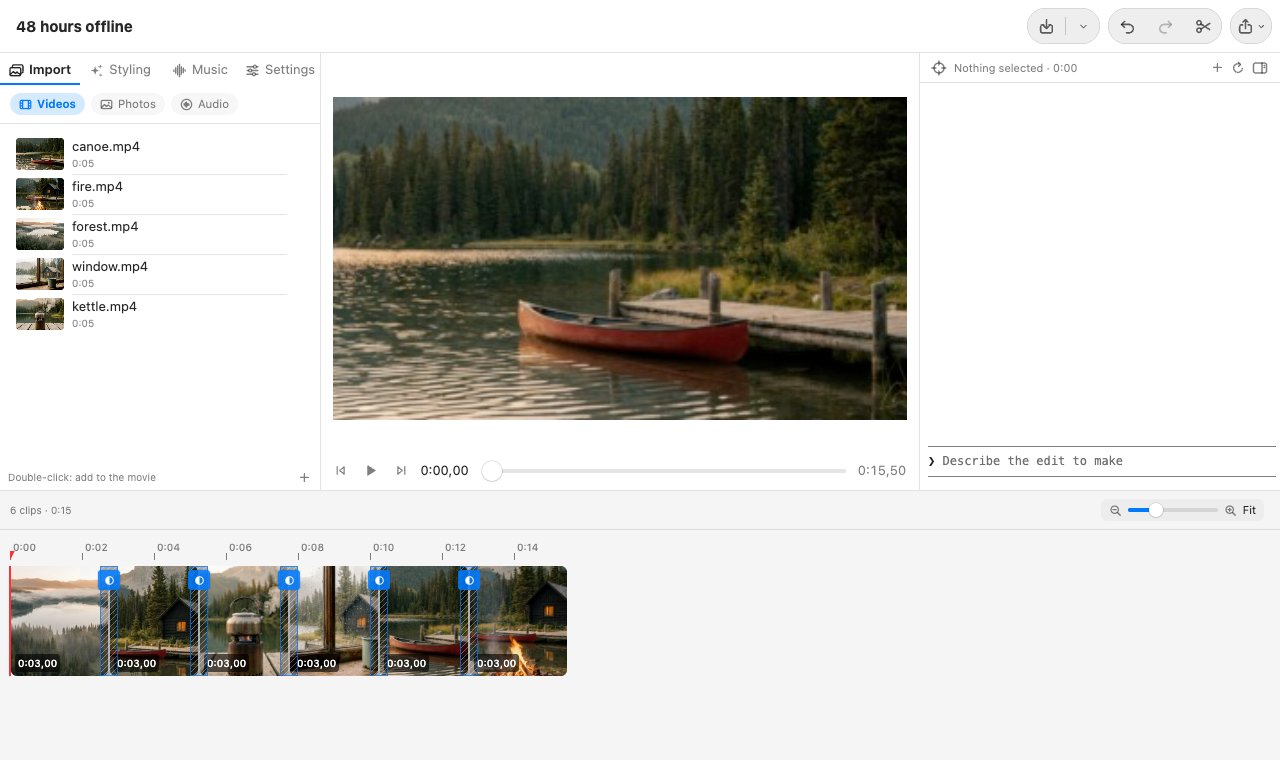
One request to Claude Code keeps three seconds of each shot, changes the order and adds dissolves. Its fifteen changes undo in a single step.
Add the voice
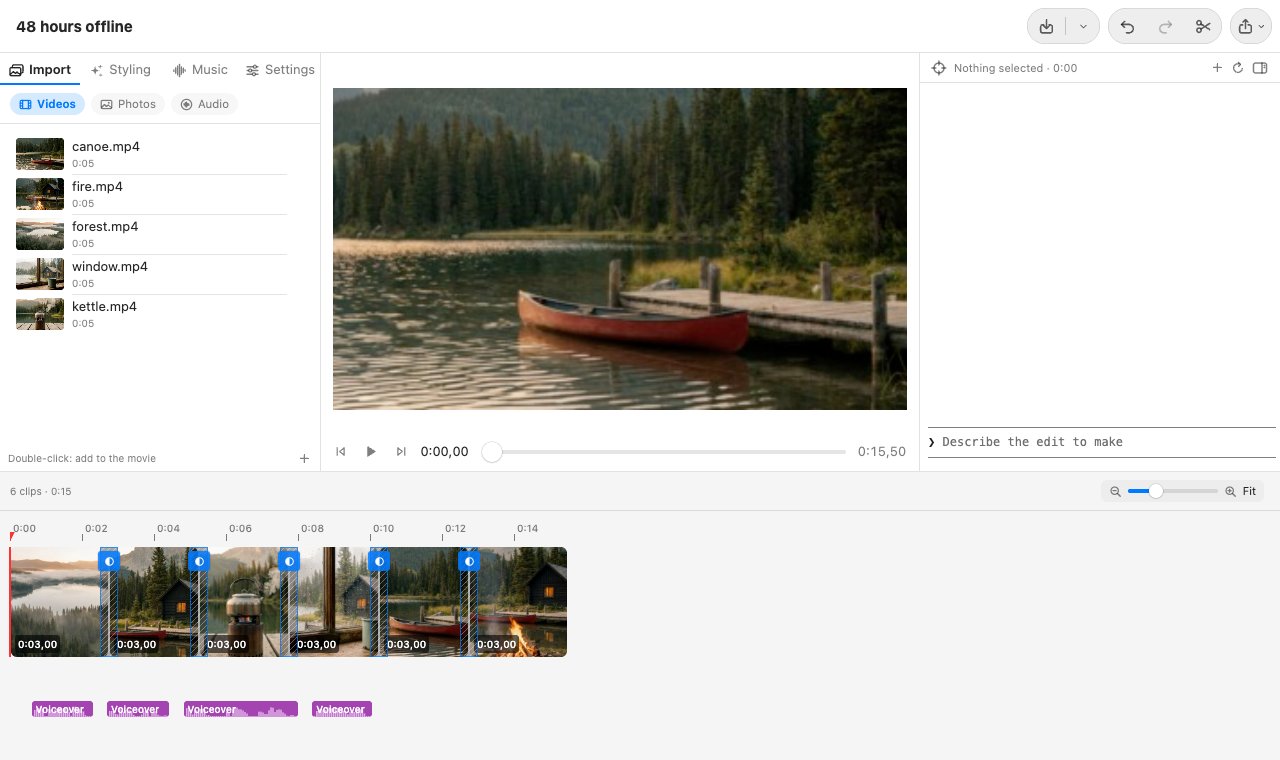
The script has four lines. vidmini generates the voice on the Mac and places each line on the timeline.
Add the music
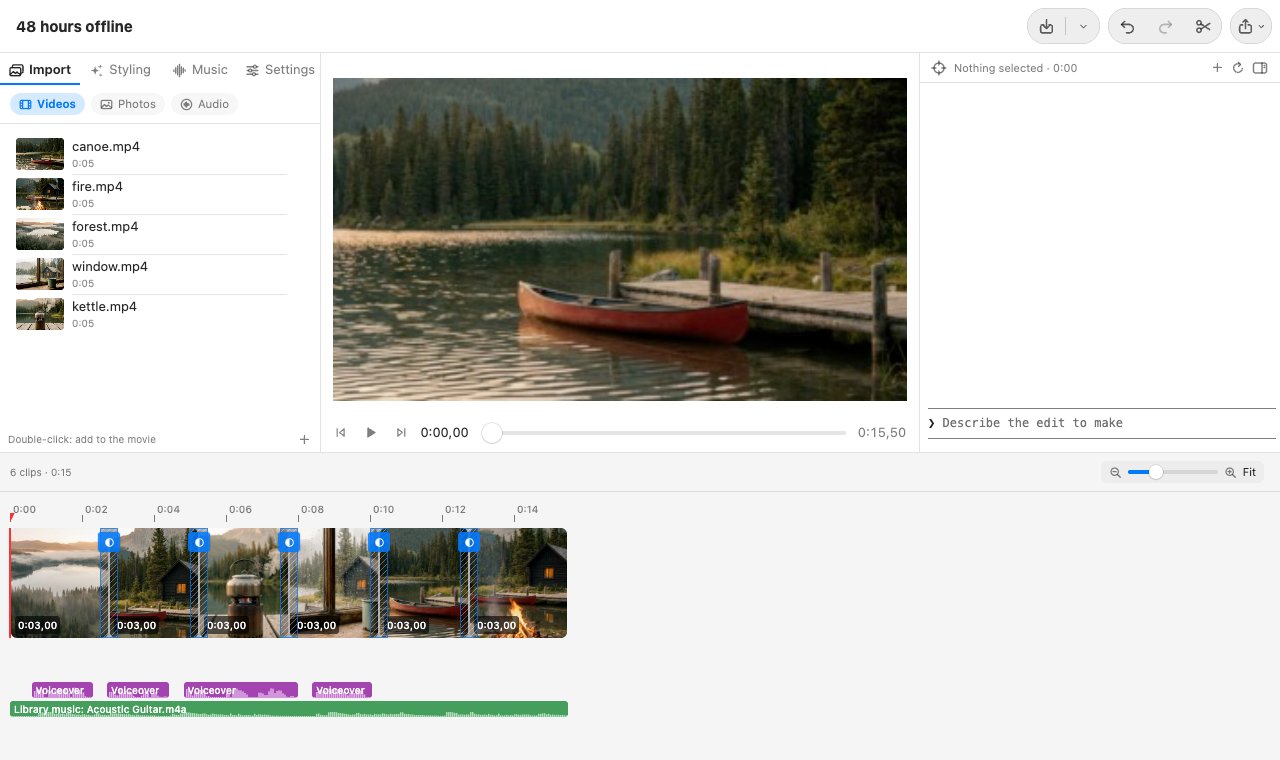
The next request asks for calm acoustic music. A track from the app’s music library is placed on the film.
Add the titles
The last request asks for three titles. They are placed on the film in three styles: its name, a place and a sign-off.

One command to install
- 1
Open Terminal
Press ⌘ Command + Space, type “terminal”, then press Return.
- 2
Paste the command and press Return
curl -fsSL https://app.vidmini.com/install.sh | shExample output, translated here: the script prints these lines in French.
Downloading vidmini…
Installed: /Applications/vidmini.app
Previous version: none; installed version: 0.1.3.
Your films and your library were not touched.
The archive is verified with SHA-256 and the script never asks for administrator rights.
Watch next

For creators
You talk, Claude edits
Ask Claude Code for the cuts, the titles and a voice-over from your script, in 16:9, 9:16 or square.
See the page
For product demos
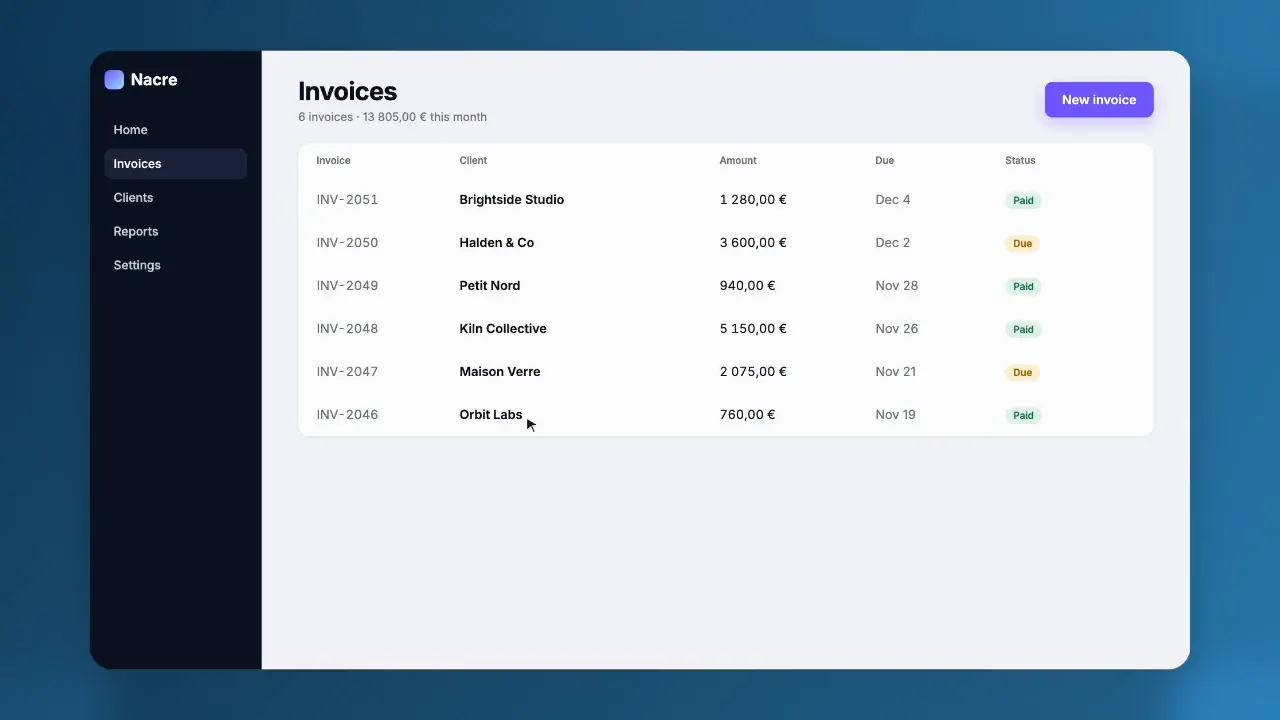
From a screen recording to a product demo
Bring your screen recording and ask Claude Code to cut, zoom, frame and add a voice-over.
See the page