
For creators
A video editor for content creators. You talk, Claude edits.
vidmini is a video editor for Mac. Bring your clips and say how the film should go. Claude Code edits the timeline next to you.
Cuts and rhythm
A film finds its pace in the edit. Say it in plain words.
Ask for the cut
Trim this clip, cut the pauses, speed up the slow part. Claude Code works on the film you are looking at, through vidmini's own editing tools.
It knows what you are looking at
Claude Code knows which film is open and which clip is selected, so you can say "this clip" without naming it.
Change your mind
A batch of changes is applied all at once and undone in a single step.
It checks its own work
Claude Code can ask vidmini for a frame of the film at any moment and look at it before telling you it is done.
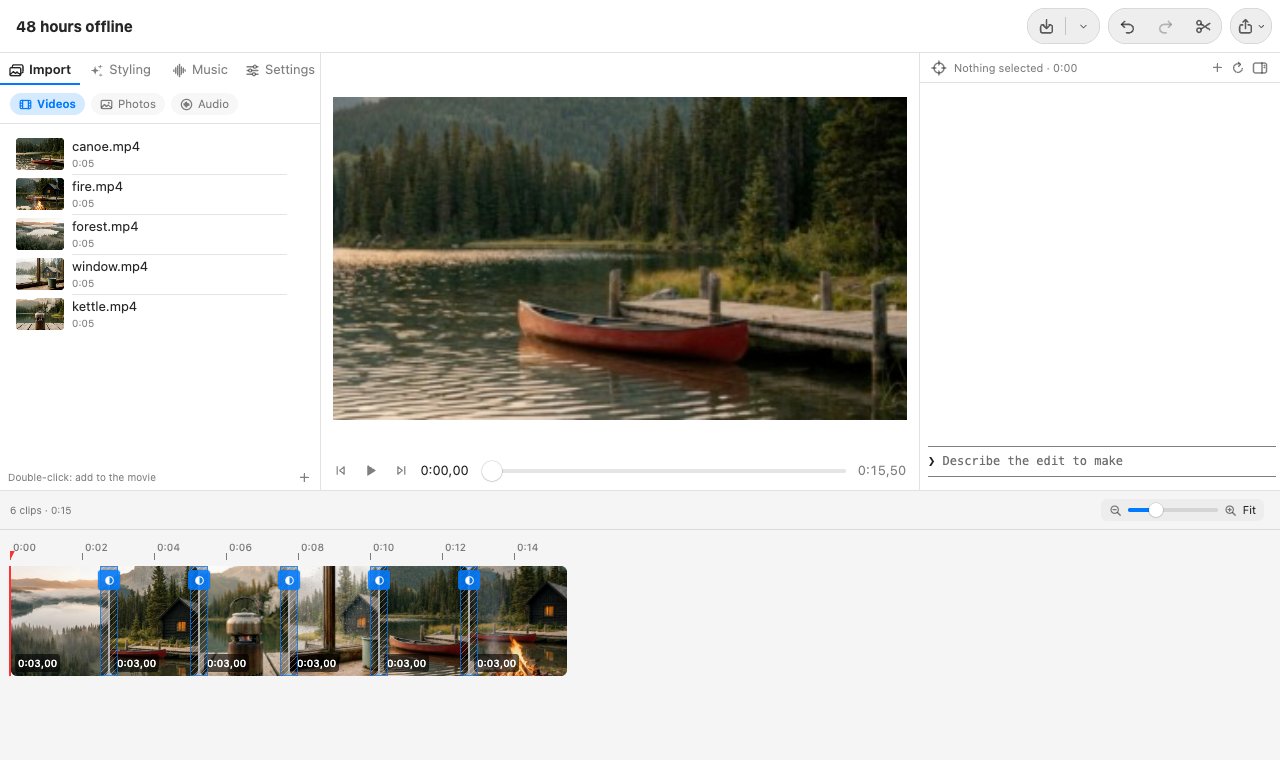
Titles on the clips you name
Ask for a title, a place name or a sign-off. Claude Code places each one on the clip you name, in one of the app's title styles.
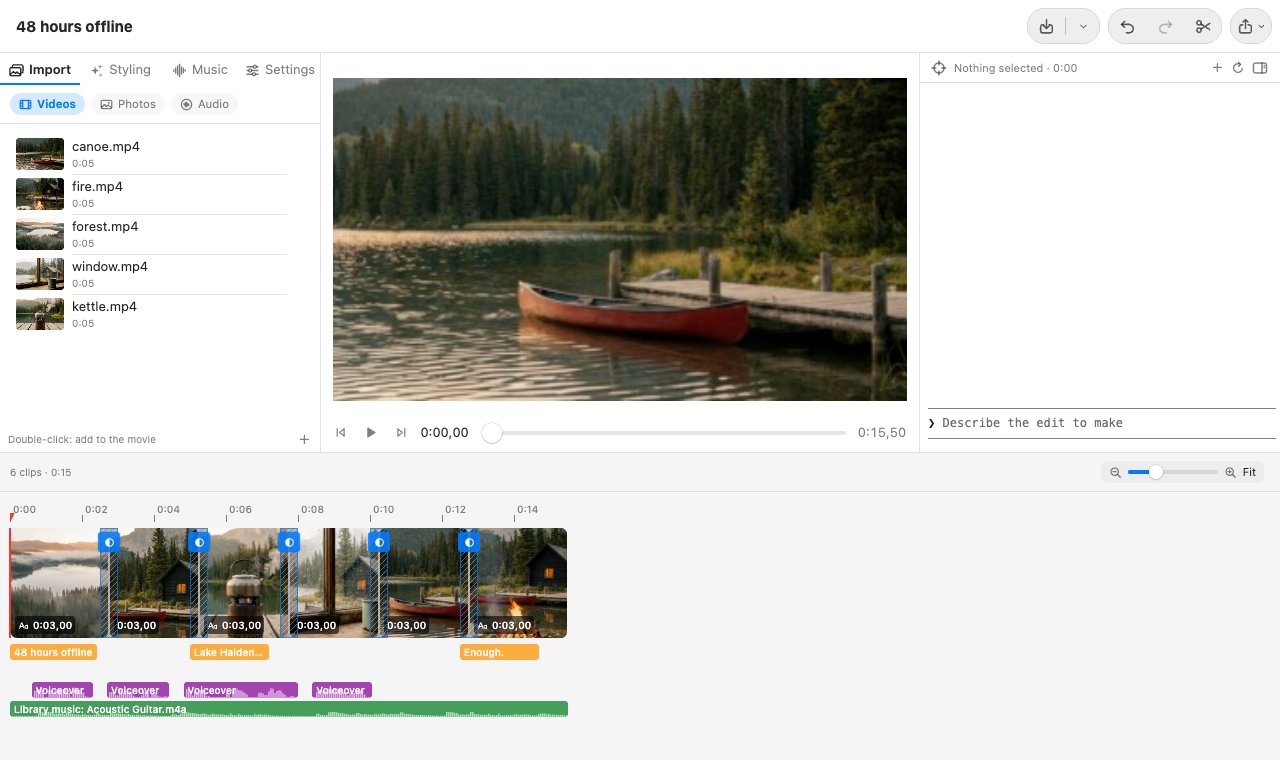
A voice-over from your script
Write the script with one sentence per line. vidmini turns each line into a voice-over and places them one after the other on the timeline, in a single undo step.
The voice model runs on your Mac
You install it once from Settings, and the app shows its size before it downloads anything.
Claude Code can redo one sentence
Ask for a sentence to be replaced and only that sentence is generated again.
A check on what was said
Claude Code cannot listen, so vidmini can transcribe what the voice actually said and compare it with your script. It does not replace your ears: listen to the result.
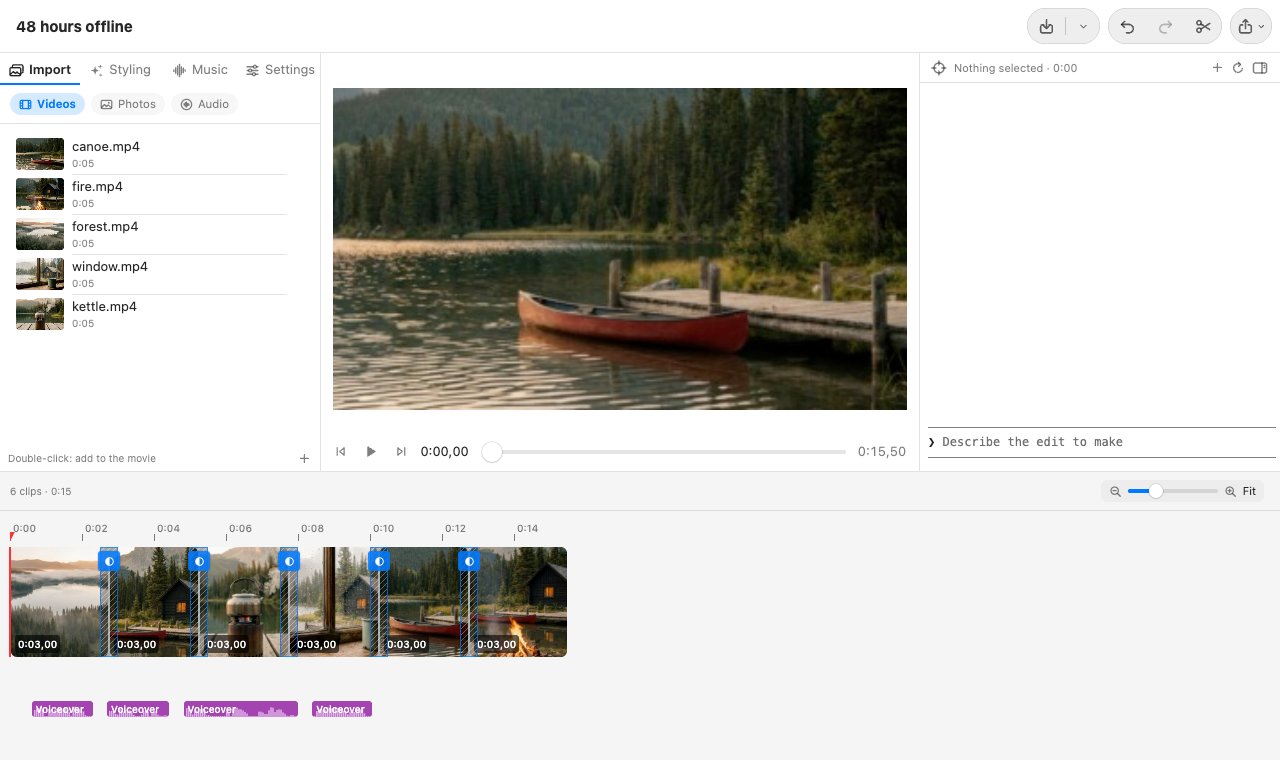
Horizontal, vertical or square
The format of the film is 16:9, 9:16 or square, and it can change at any time. Clips with automatic framing adapt.
vidmini renders the film to an MP4 file, in H.264 or HEVC, and checks the file before delivering it.
From clips to a film
- 1
Bring your clips
Create a film and drop in your clips. MP4, MOV and the other formats macOS reads are accepted.
- 2
Describe the edit
Open the Claude Code column and say what you want. The timeline changes in front of you. Ask again to change it.
- 3
Add titles and a voice
Ask for the titles. Write the script and generate the voice-over.
- 4
Export
Export an MP4 in H.264 or HEVC. Exporting asks you to sign in with a Google account.
What it does not do yet
vidmini edits the footage you bring. Shooting it stays your part.
Automatic subtitles are built into the app, but we have not yet made them work on a real film, so we do not present them as a feature. The same goes for recording your voice with the microphone and for the brand kit (colours, font and logo applied to titles).
It does not publish for you either: you get an MP4 file, and where it goes is up to you.
The demos on this page replay edits made in the development build of the app, on real films.
Questions
Can I make a vertical video?
Yes. The format of the film is 16:9, 9:16 or square, and it can change at any time.
Does vidmini add subtitles?
Not as a feature we present. Automatic subtitles are built into the app, but we have not yet made them work on a real film.
Can I record my own voice?
The voice-over shown on this page is generated on your Mac from your script. Recording with the microphone is built into the app, and we have not tested it with a real microphone yet.
Do I need Claude Code?
Yes. vidmini runs your own Claude Code in a column next to the viewer. Its settings, your account and its permission prompts stay yours.
Which Mac do I need?
A Mac with Apple silicon, running macOS 26 or later.
What does it cost?
See the pricing page: this page does not state a price.
Try it on your next film
vidmini installs with one command in Terminal.